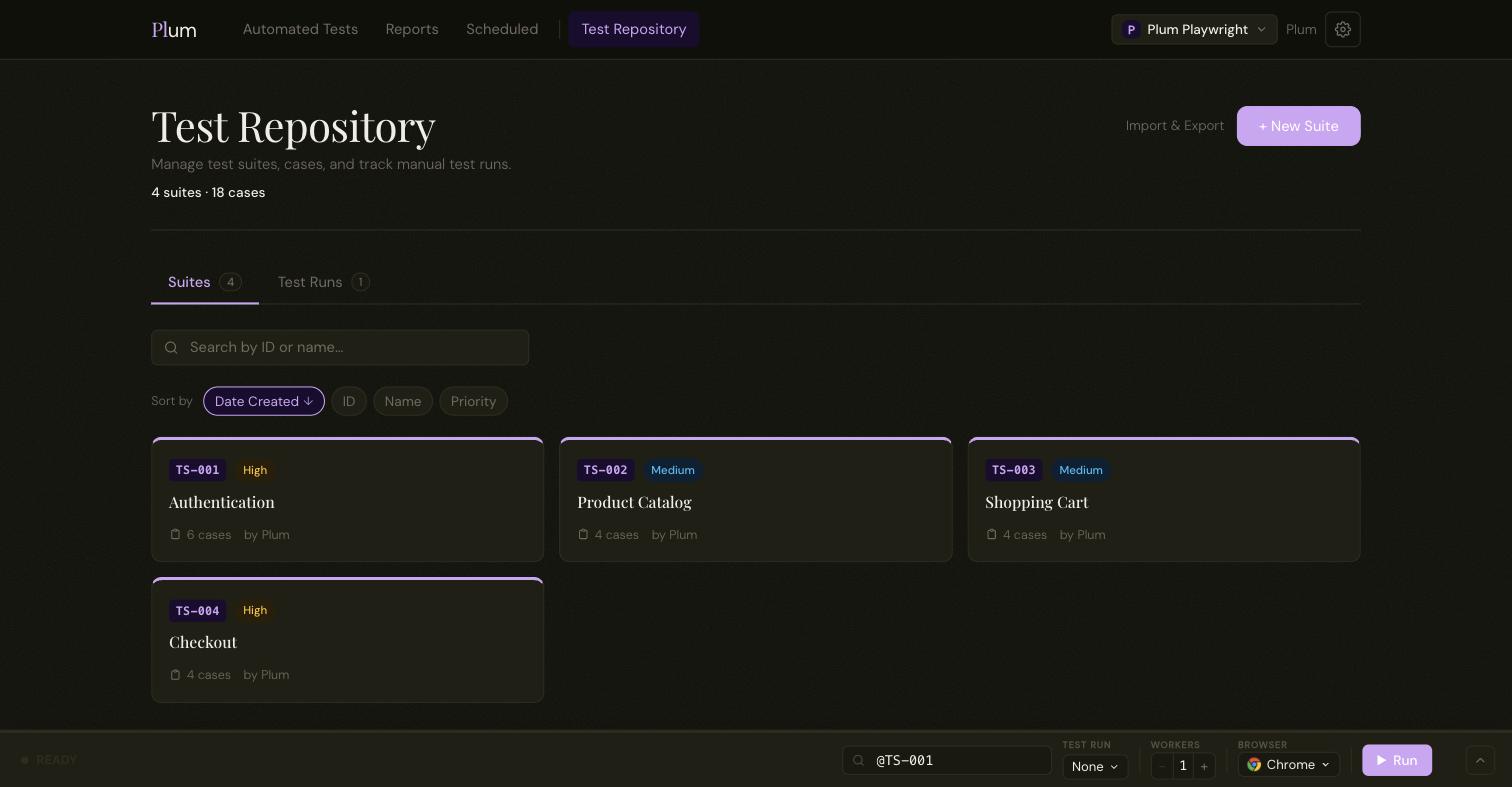
Suites, cases and tags in one place.
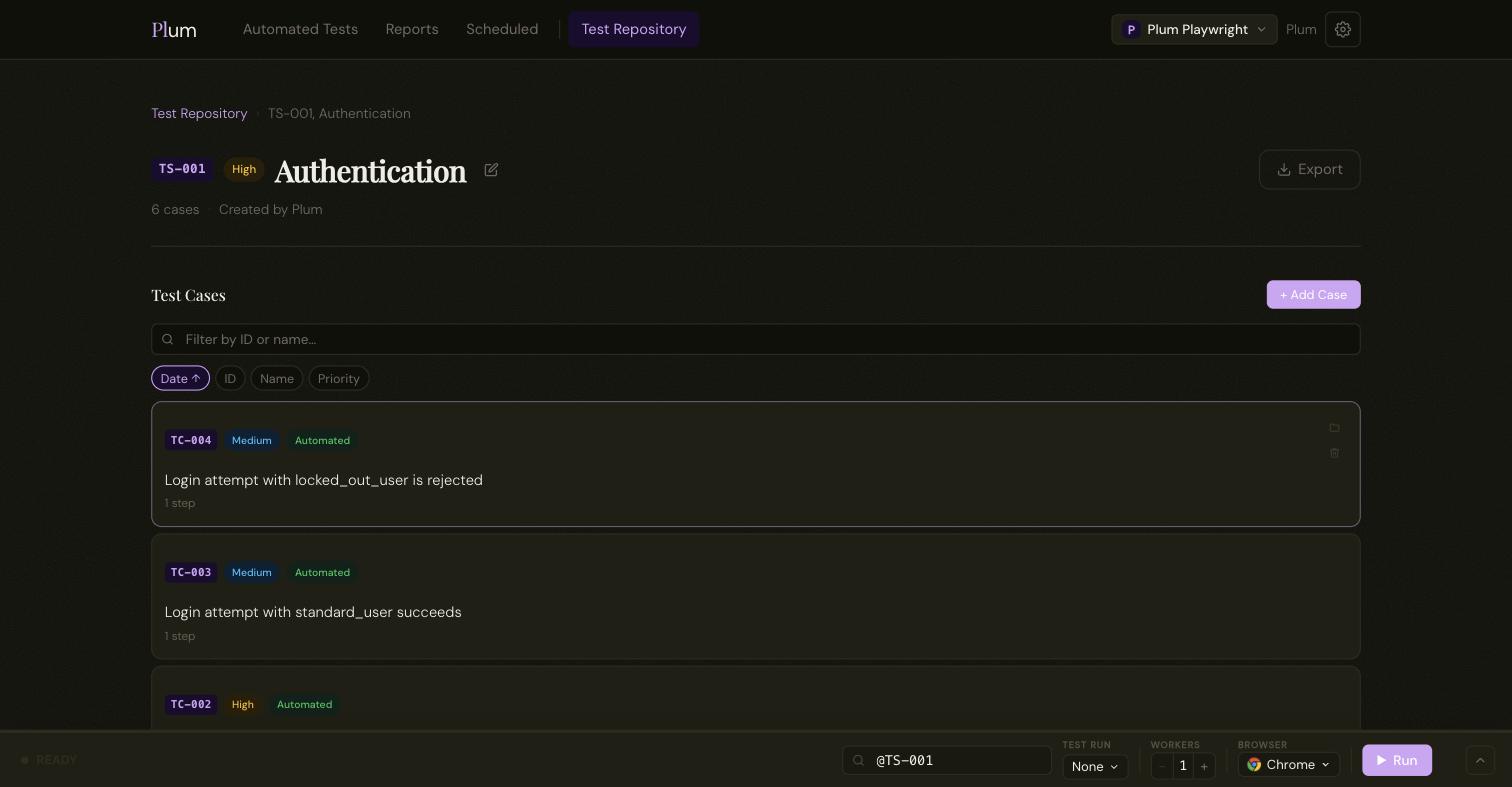
Group cases into suites, give each a priority, and tag them however your team thinks. Every suite and case gets a short, stable ID (TS-006, TC-043) that never changes, so links and references keep working.
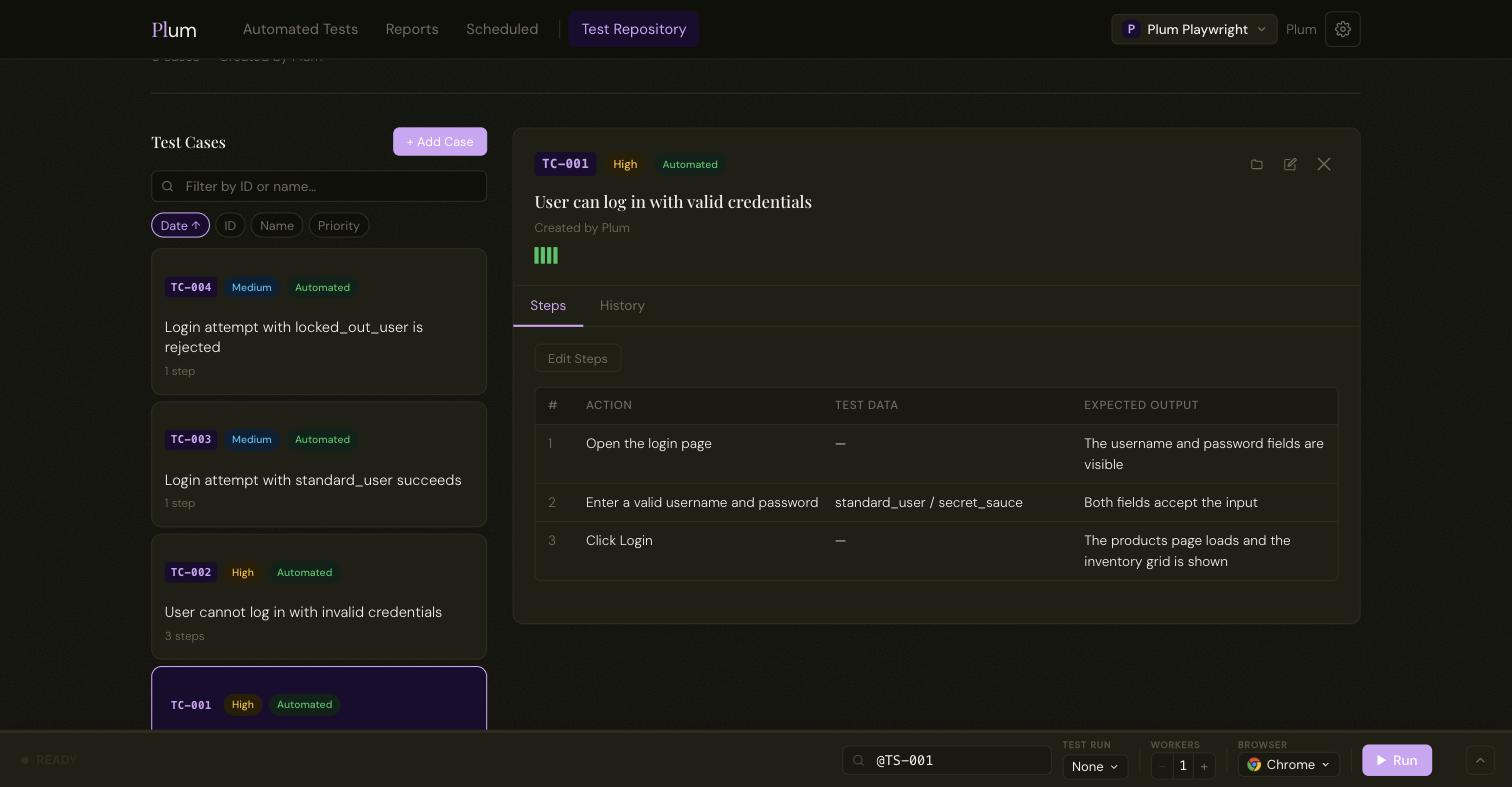
Structured steps, not a wall of prose.
Each step has an action, its test data, and the expected result, in the format testers already use. A case reads the same whether a person runs it or an automated scenario covers it.
Open a case to see its steps and its full run history in a tabbed panel.
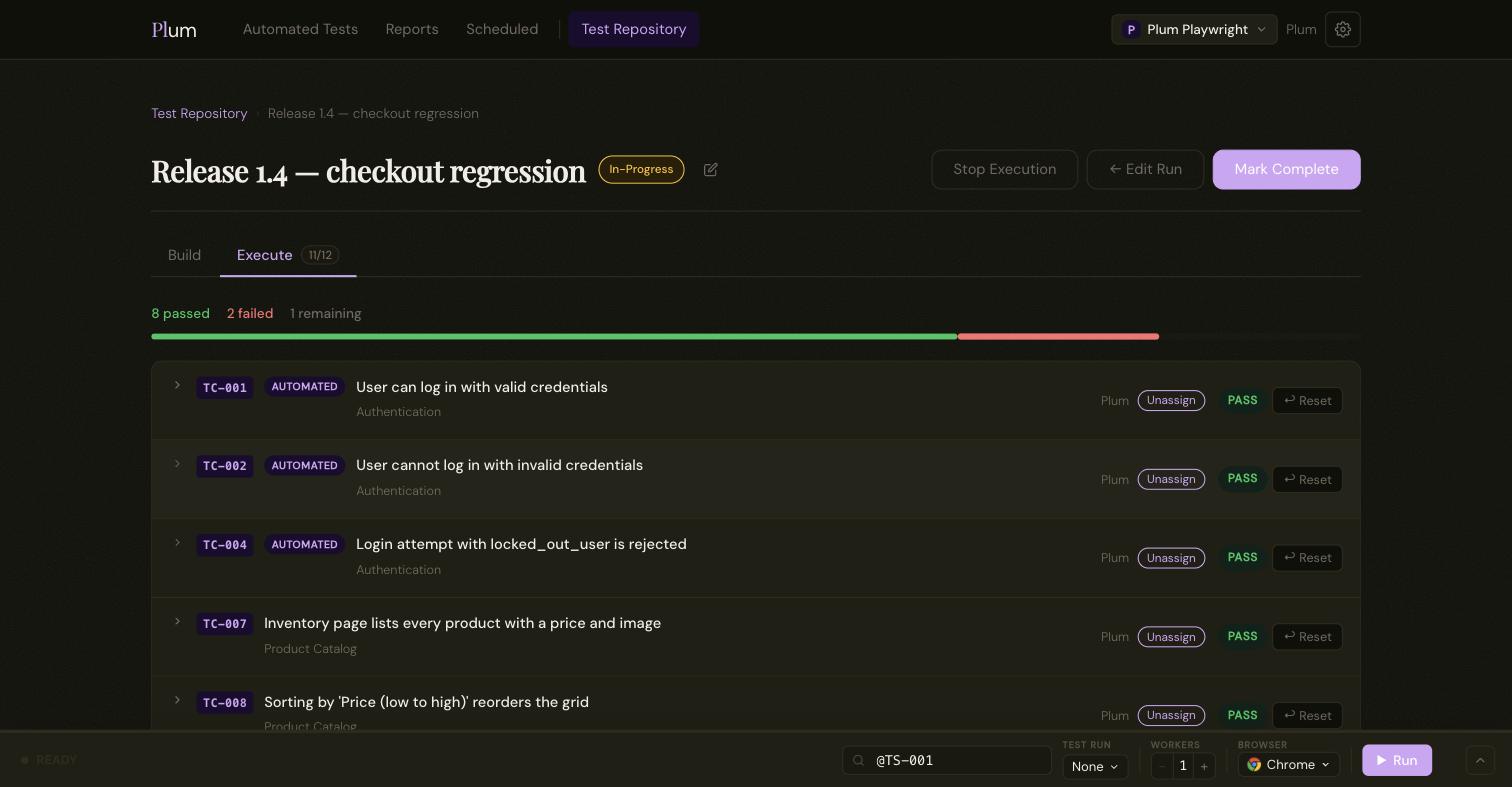
Build a test run, then work it as a team.
Pick any set of cases into a run. On the execute view everyone sees the same board: claim a case, record pass, fail, blocked or skip, and the progress bar moves for the whole team in real time.
Automated cases show their latest verdict inline; claim one to override it when the automation itself is the thing that's broken.
History that survives a rename.
Results are stored with the person's name as it was at the time. Remove someone from a project and their past results stay intact. Export the whole repository to JSON and re-import it elsewhere. Matching is by ID, so nothing gets duplicated.
Let an AI agent build the repository.
Plum has an MCP server built in. Connect Claude, Cursor or any MCP client with a per-project key and it can draft suites and cases from a spec, fill in structured steps, tag and prioritise them, and export the lot. It's the same repository your team runs by hand.
It acts as you, scoped to one project, and every case it creates is tagged (MCP).
> Draft a suite for the checkout flow from the PRD.

create_test_suite   → TS-014  Checkout
create_test_case    → TC-091  Customer completes an order
set_test_steps       → 4 steps
create_test_case    → TC-092  Payment is declined
set_test_steps       → 3 steps